Custom Monitoring
Adding a New Test
Create a Test with the AI
There is no blank "new test" form, tests are created with the help of the Agentic assistant. Tap Create Test in the Code tab's + menu (or Create Your First Test on the empty state) and describe what you want to check in plain language, e.g. "Check if nginx is running."
ContainEye switches to the Agentic tab with a pre-filled draft instructing the assistant to create a server test for you.
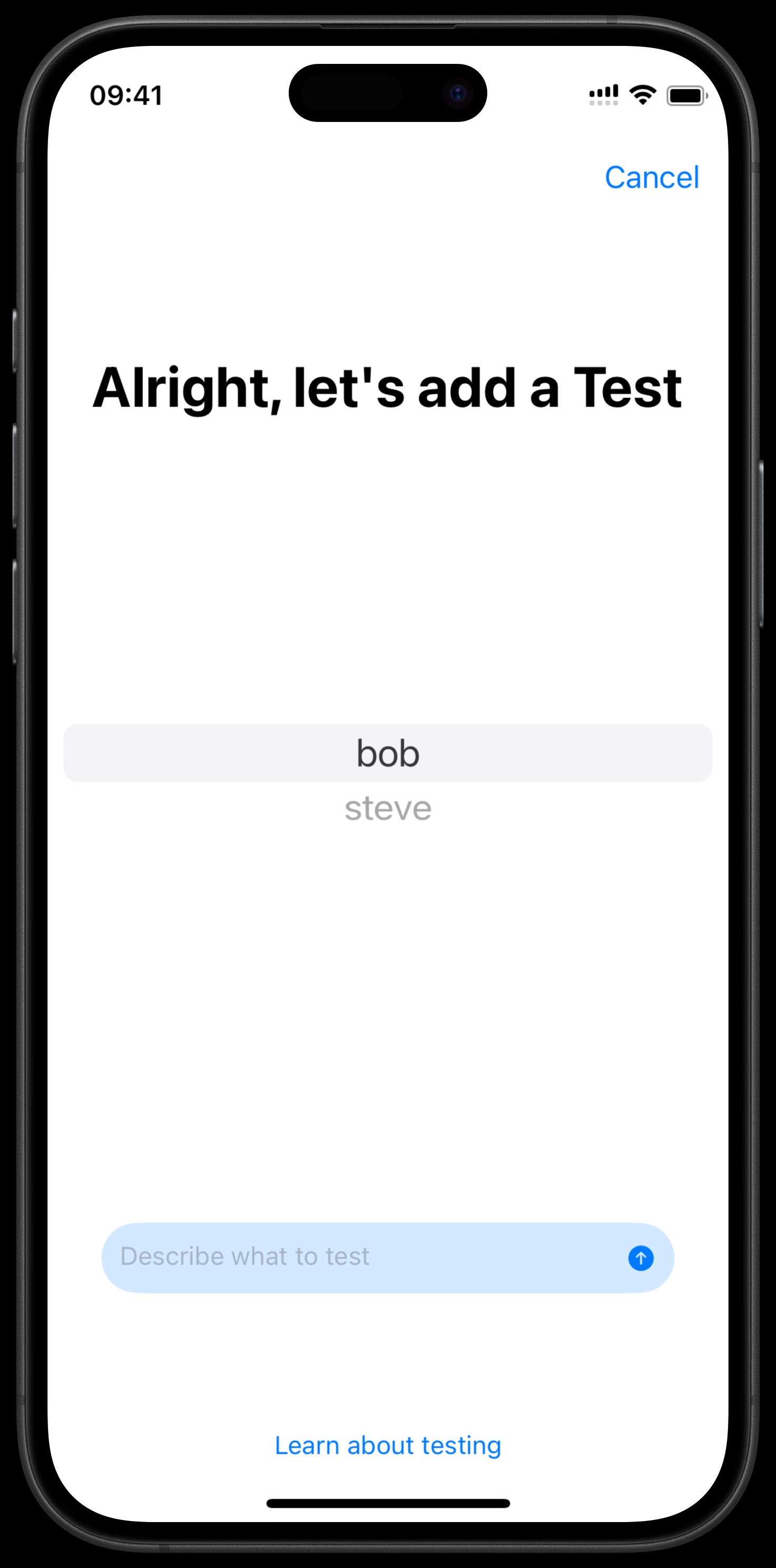
Step-by-Step
- The assistant may list your servers to confirm labels, and may probe the server first by running a command. If it does, you get an "Allow command execution?" dialog (Allow Once, Always Allow "…" Commands, Always Allow All Commands, Deny, Cancel).
- It analyzes the output and proposes the test's command and expected output.
- It creates the test with
create_testand runs it immediately so you see the result right away. - The test appears in Active Tests on the Code tab.
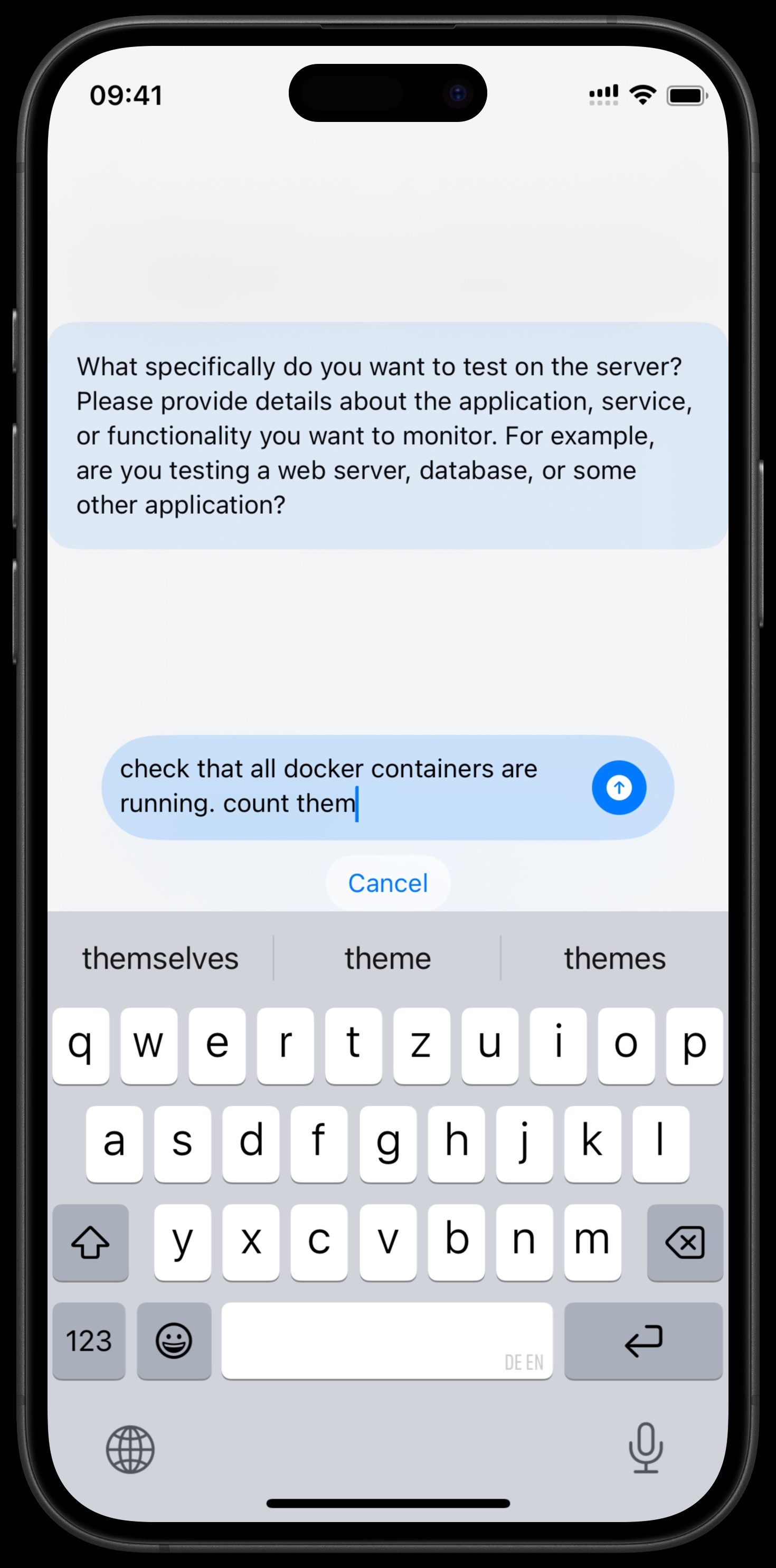
Interactive AI Flow
The assistant can ask clarifying questions to make sure the test is accurate, answer them in the chat to refine the command or expected output. You can also fine-tune a test afterwards by editing its name, command, expected output, notes, or target server.