Adding a Test from Suggestion
Speed Up with Suggestions
ContainEye ships with 13 built-in test templates. The Suggested Tests section on the Code tab shows up to 6 cards at a time (with an "N available" count) whenever unassigned suggestions remain, even if you already have active tests. The templates:
- Check Website Status
- Check Disk Space Usage
- Check CPU Usage
- Verify Nginx is Running
- Check for Old Logs
- Check for Zombie Processes
- Check SSL Certificate Expiry
- Verify MySQL is Running
- Check System Load Average
- Check for Pending System Updates
- Verify Backup File Exists
- Check Failed Login Attempts (Last Hour)
- Check Network Latency (Packet Loss)
Add a Suggestion to a Server
Tap Add Test on a suggestion card, pick the server in the "Add Test to Server" sheet, and confirm. The template's command and expected output are copied verbatim and the test is saved as an active test for that server. It drops out of the suggestion pool.
Adapting Existing Tests
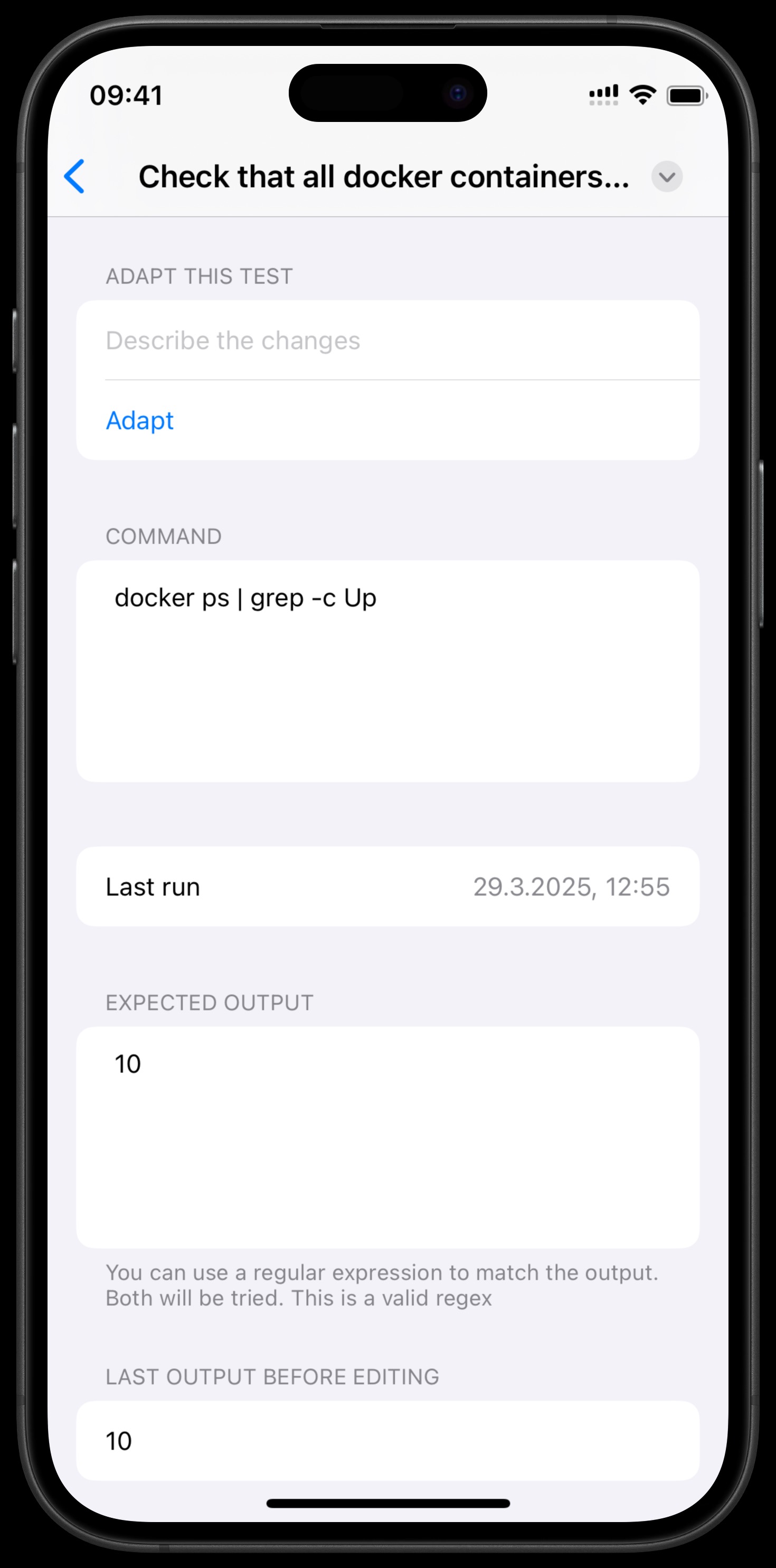
Change the command, expected output, or target server to fit your infrastructure. The test detail screen shows the Test Name, command, Last Run, Expected Output, and the actual Last Output, with buttons to run the test now, edit, or delete it.
Disabling a Test
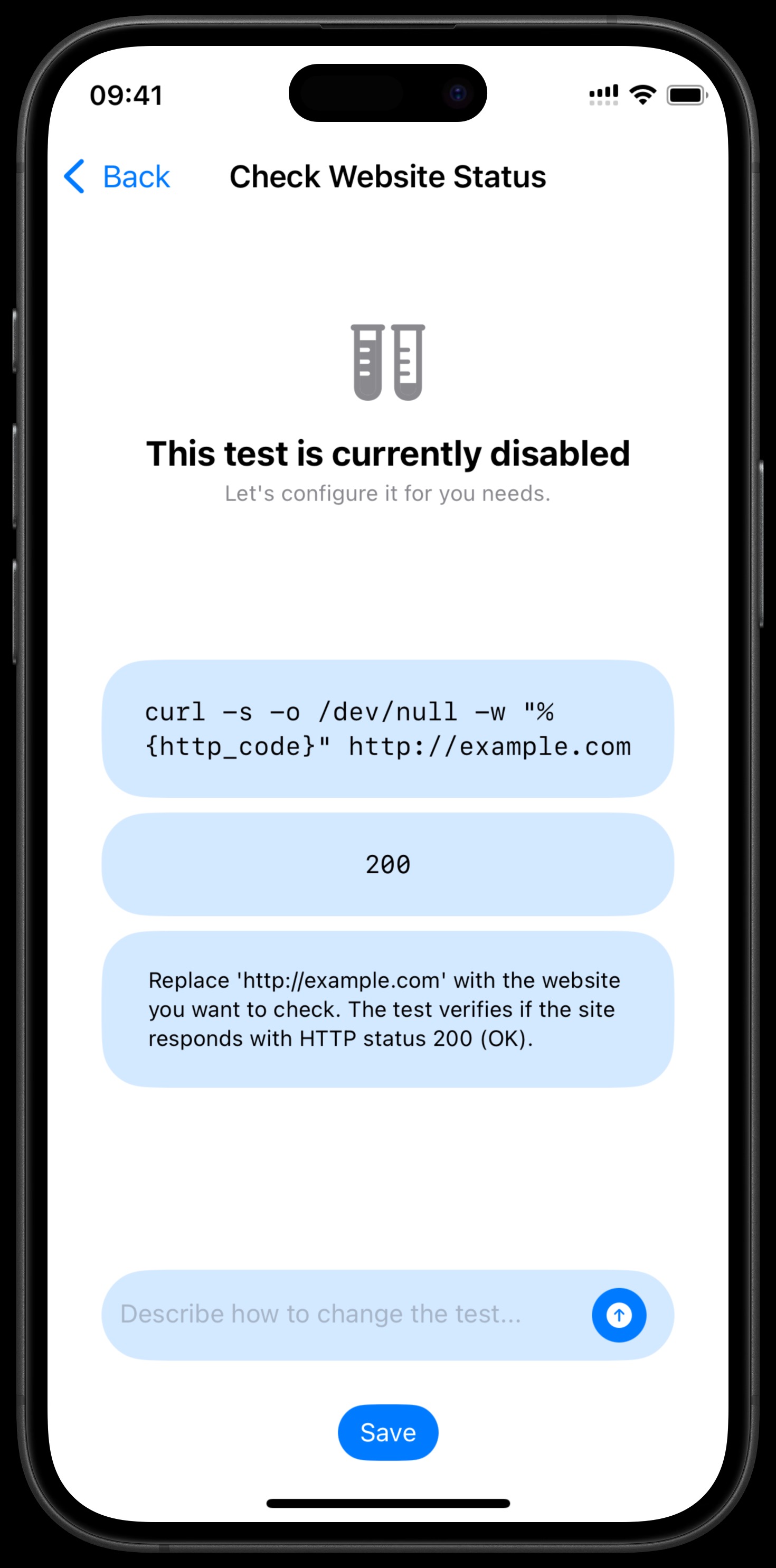
In the Server picker, choose "Do not execute" to disable a test. Disabled tests never run, show "This test is currently disabled" with a description, and return to the Suggested Tests pool. You can re-enable one by assigning it to a server again (the picker also offers "Local (URLs only)" to turn the command field into a URL check).